Create entire worlds.
In seconds.
Build the world your MMO deserves. Generate the landscape, let your agent sculpt it, and step inside what you create.
Free and open source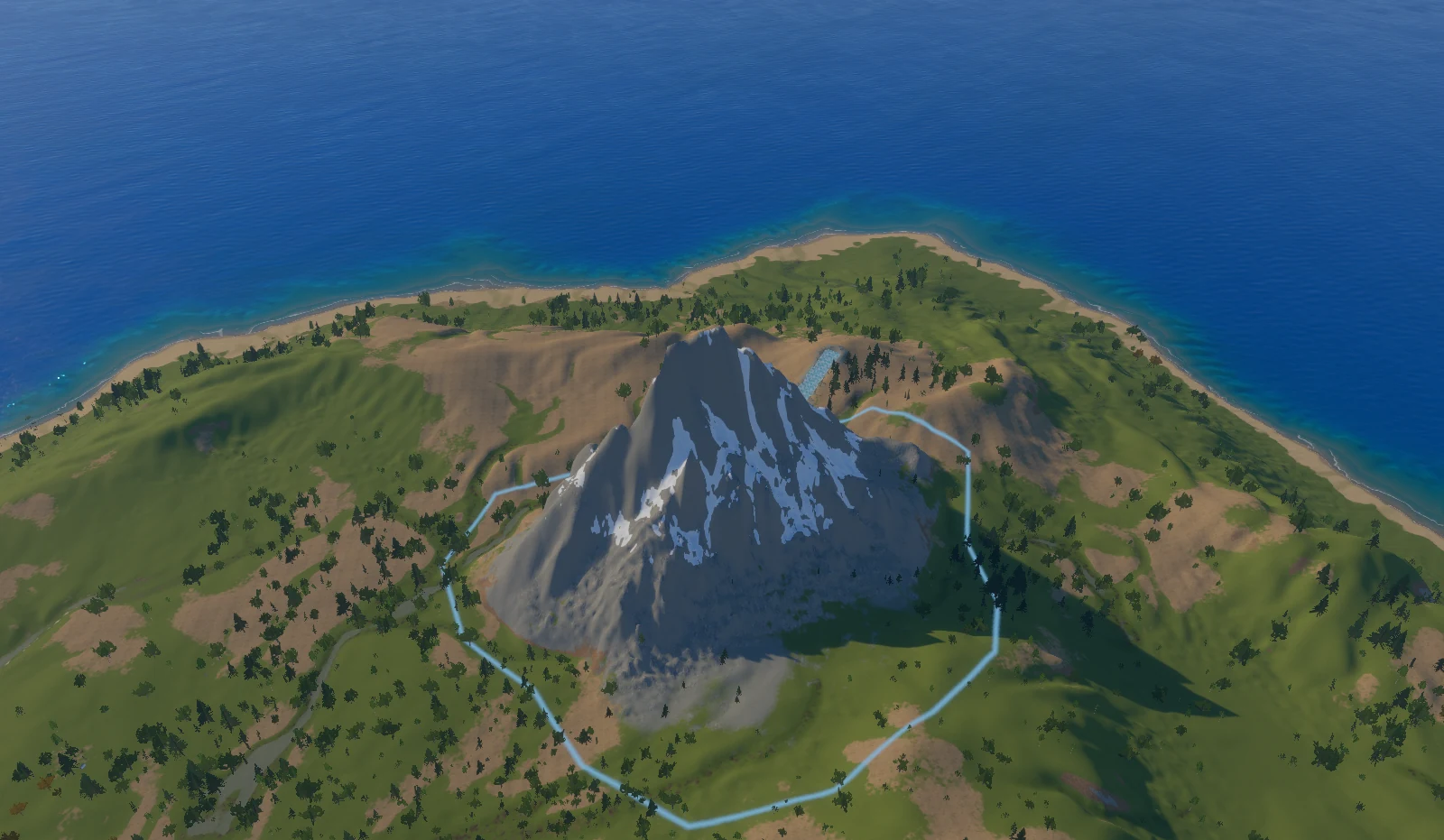
Skip the empty canvas.
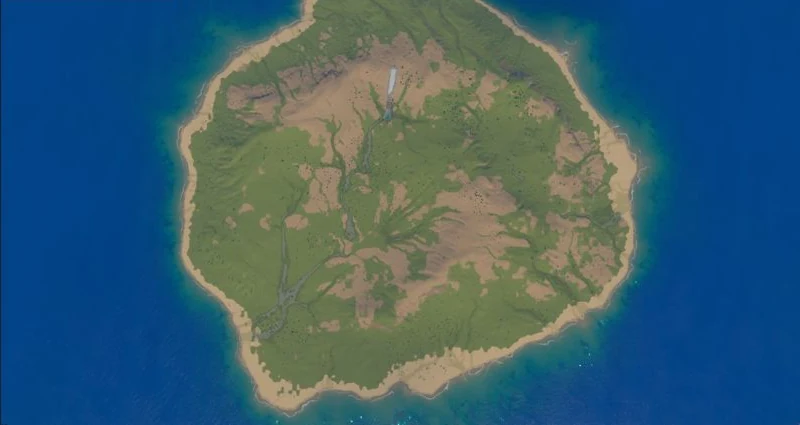
Choose a shape and climate. Spawn an island, a continent, or an archipelago with terrain, biomes, and nature already in place.
From first click
to your first zone.
Start with a 2–16 km world. Paint named zones, set level ranges, and give each region its own weather, audio, and mood.
- Choose your land
- Islands, fjords, atolls & more
- Define your zones
- Towns, quest hubs & dungeon entrances
- Bring it to life
- NPCs, spawns & resource nodes
Your agent.
Your worldbuilding tools.
Connect through MCP and describe the world you want. Your agent can sculpt terrain, carve rivers, grow forests, place objects, and set up zones using Skyfold’s own tools.
Be precise about the place.
Select an area and prompt the changes you want. Edits stay inside the boundary and blend into the world around it.
Keep the result, refine it, or undo the whole edit. Take over by hand whenever you want.
Explore real prompt resultsWith Skyfold running, add its local MCP server to your agent. For Claude Code:
claude mcp add --transport http skyfold http://127.0.0.1:7740/mcpOther HTTP MCP clients can connect to http://127.0.0.1:7740/mcp.
A prompt becomes a place.
Lasso a patch of the world and tell your agent what belongs there. These are recorded edits from the real editor.
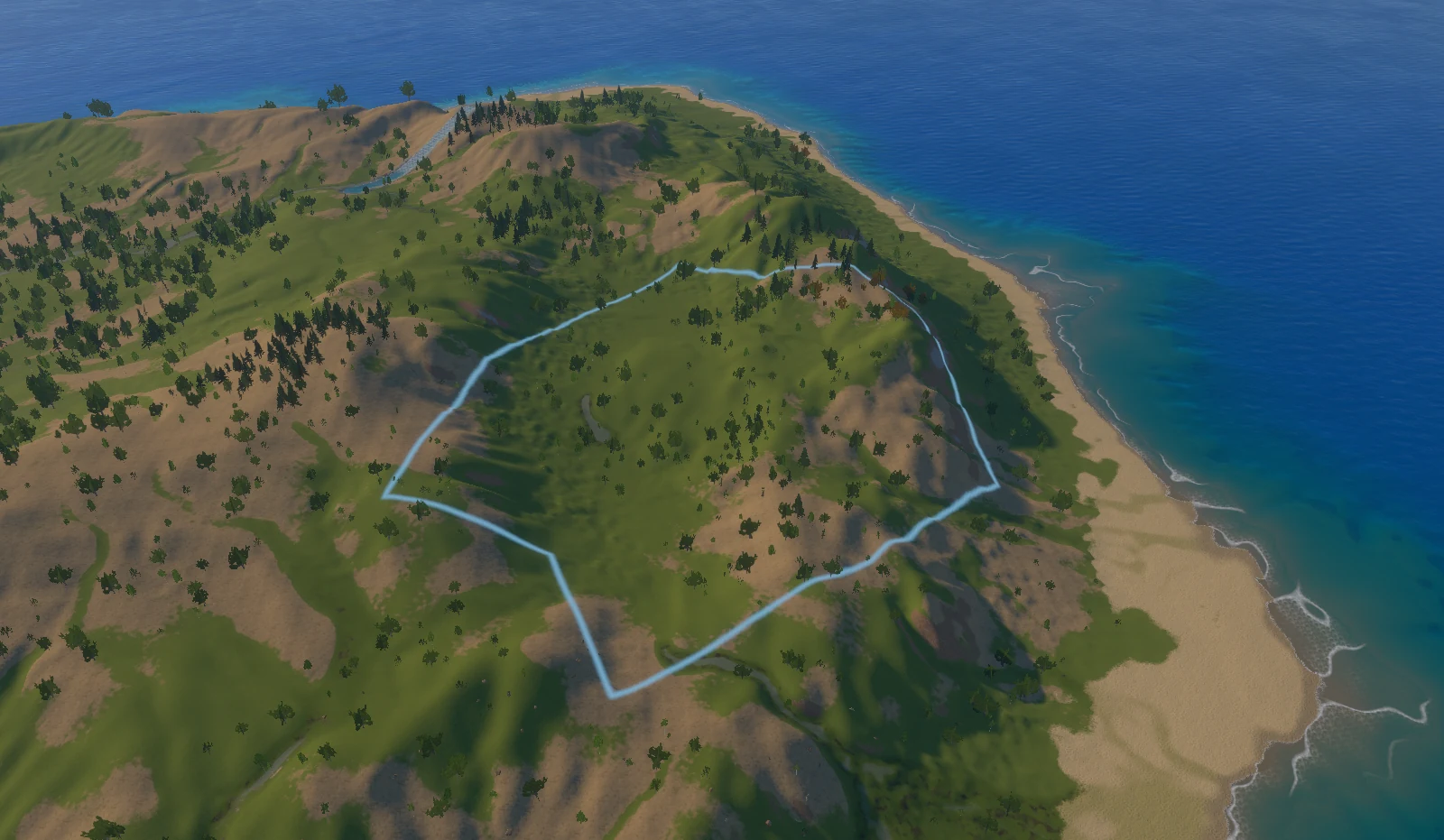
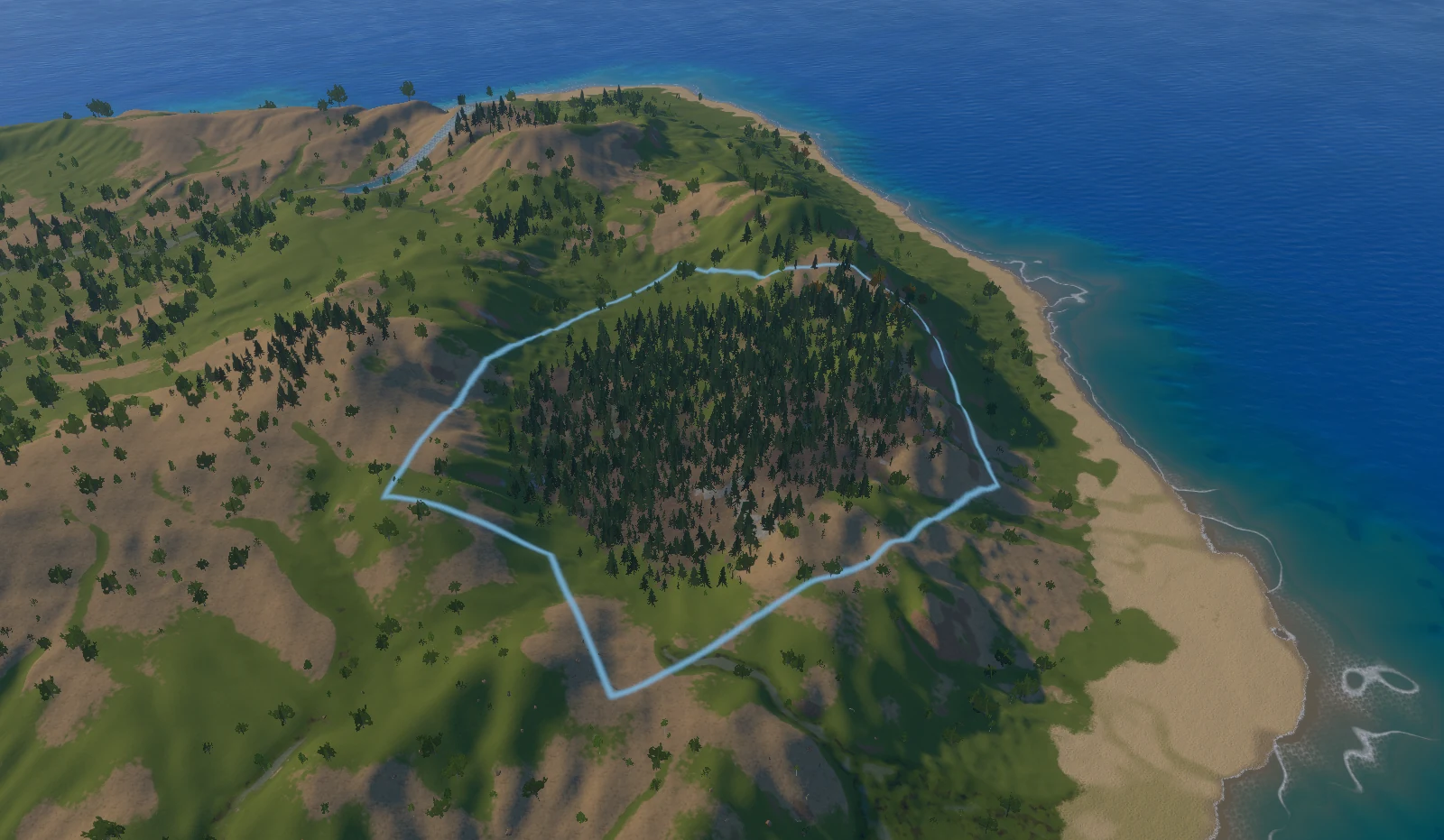
“Make this a dense pine forest”
Start with an image.
End up in a world.
Upload a map, sketch, or concept image. Trace a Picture turns its coastline, regions, lakes, and rivers into a world you can shape and explore.
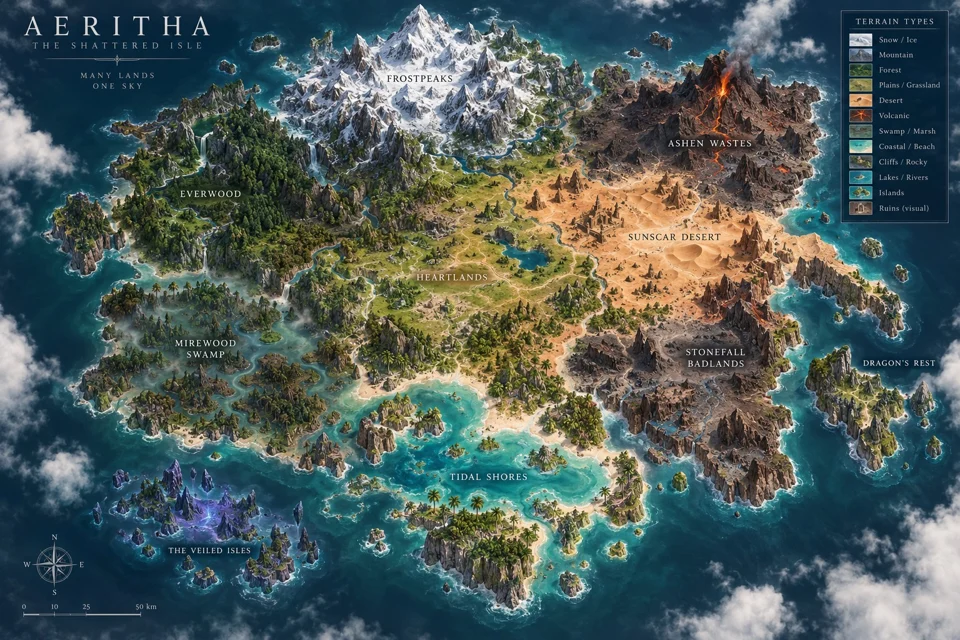
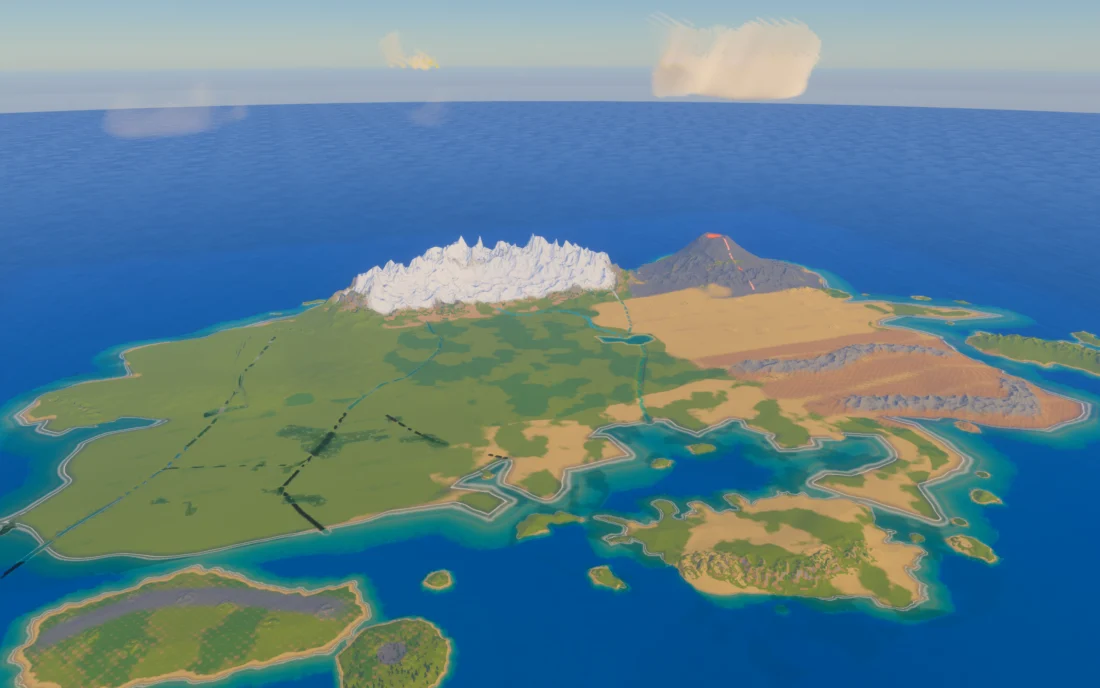
Direct each region’s biome and height before building the draft. Continue with the same sculpting, selection, and gameplay tools.
Same world.
A different atmosphere.
Switch styles without rebuilding the landscape. Move from Natural to Nordic Mist or Cinematic, explore looks like Golden Hour, and tune the strength to make it yours.
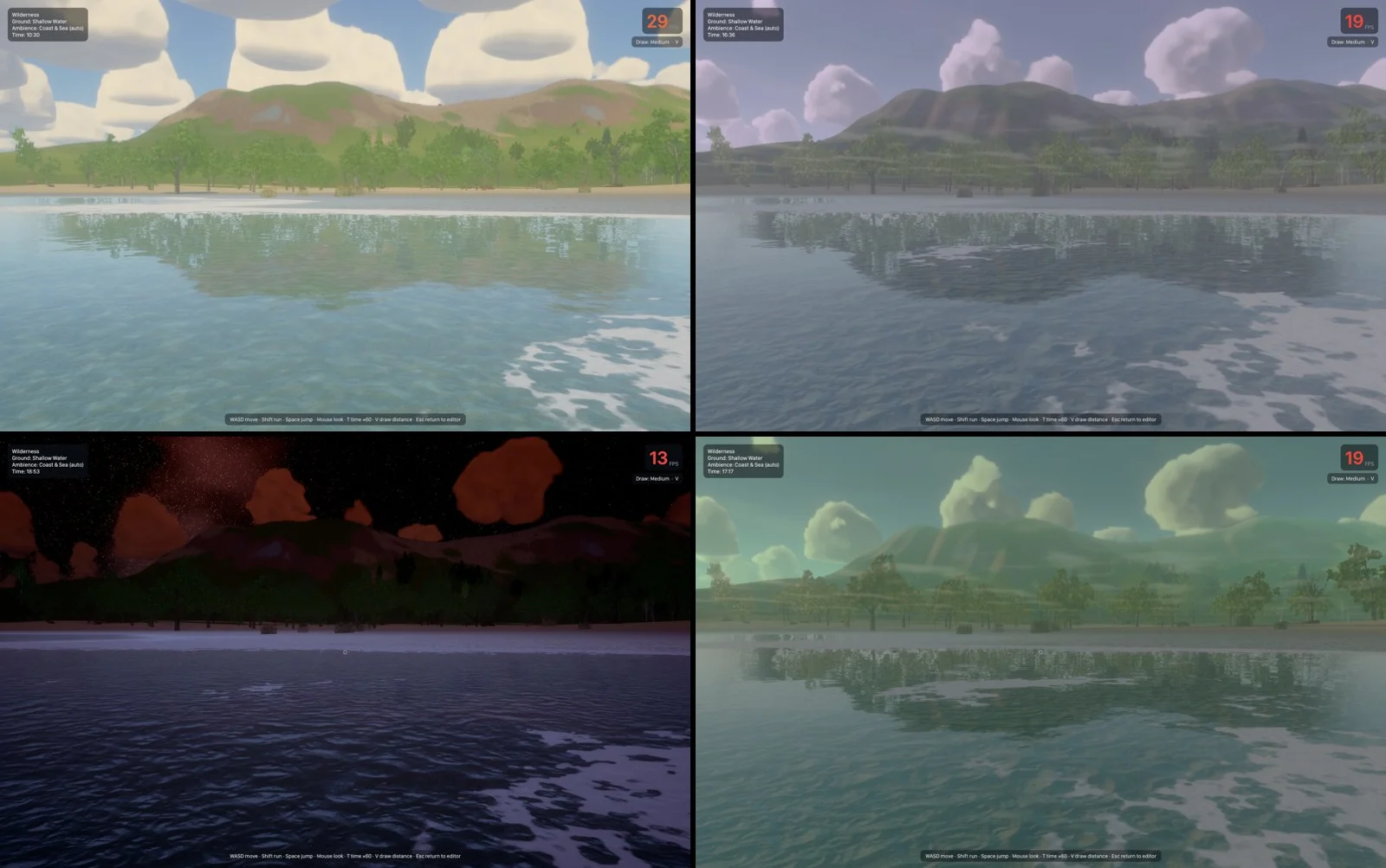
Step into what
you just created.
Come down from the editor and explore at player height. Walk, run, jump, swim, or fly. Record a route and feel how the world plays.
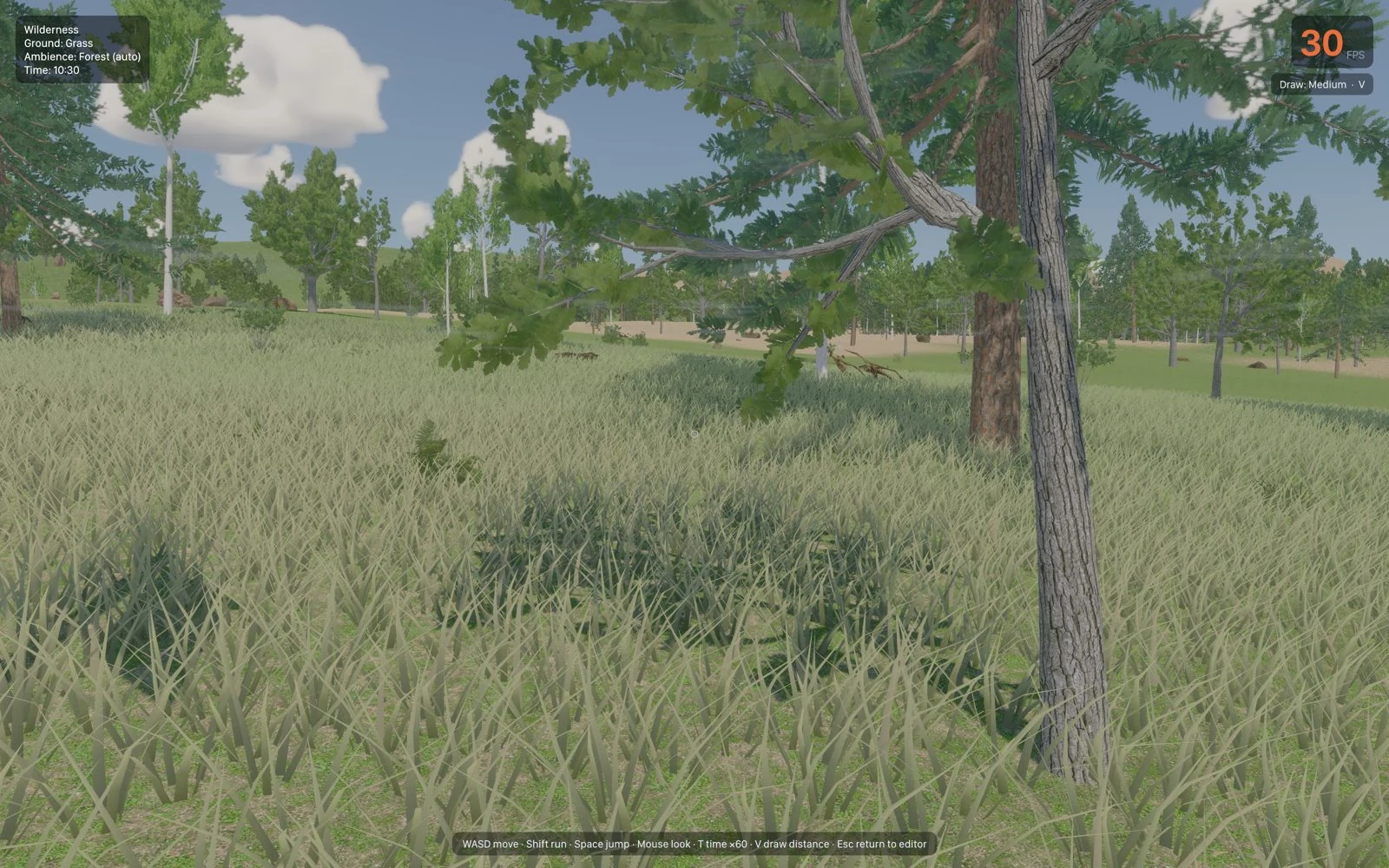
Find the dead zones
before your players do.
World analysis highlights content gaps, walkability, travel time, reachability, and level flow. See where exploration runs out of things to do.
World Doctor finds floating objects, drowned plants, unreachable places, steep roads, and performance hotspots. Jump to an issue and apply the available fix.
Build a world that plays well.
Take it to your
favorite game engine.
Export your terrain, models, instances, water, roads, lighting, and gameplay data. Skyfold has dedicated export workflows for Godot, Unity, and Unreal Engine.



The pieces for
your next world.
Browse the real Skyfold asset collection, from forests and fish to villages and props. Create a profile and share your own models or packs.
Explore the marketplaceFree to create.
Open to everyone.
Skyfold Studio is free and open source. Build your worlds, use your own agent, and take your creations into your game.